
How to create temporary disposable emails to avoid spam
The Spam Wall: My Approach to Disposable EmailJust the other day, I was trying out a new API for a small side project, and to get access to the sandbox environment, I needed to register…
Explore trusted guides on Internet & Security—covering online safety, privacy settings, network protection, and ways to secure your digital life.
The Spam Wall: My Approach to Disposable EmailJust the other day, I was trying out a new API for a small side project, and to get access to the sandbox environment, I needed to register…
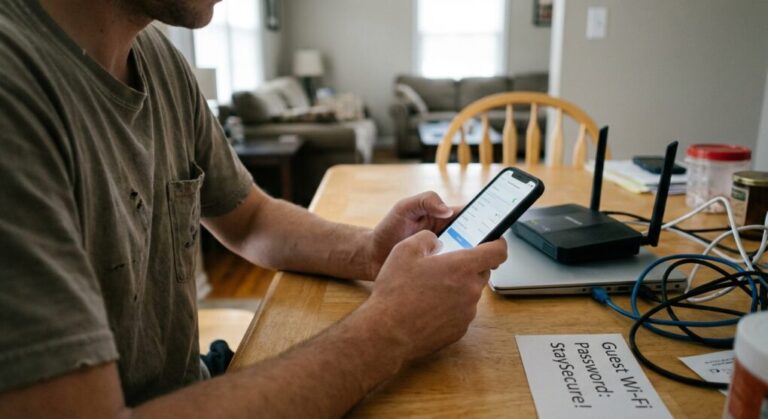
A while back, I had a situation at home where a friend's kids were visiting, and they came with a small arsenal of tablets, phones, and various Wi-Fi-enabled toys. Suddenly, I had about ten new…
I recently found myself staring at an ad for a very specific type of niche outdoor gear—gear I'd only mentioned casually to a friend, not even searched for. It was the final straw. For years,…
Just the other day, I was trying to catch a regional broadcast from back home – an old local news segment I wanted to re-watch – and my streaming service decided I was too far…
Just last month, a package showed up at my door. Plain brown box, my address, but absolutely no memory of ordering whatever was rattling inside. It was a cheap, plastic phone holder – something I’d…
Stop Giving Away Your Data For Free: A Sysadmin's Take on App PermissionsLook, I'm tired of seeing folks click 'Allow' on every single app permission prompt like it's a game of whack-a-mole. Every day I…
I have a drawer full of old Androids and iPhones because I'm too paranoid to sell them. The idea of some stranger running a data recovery tool on my old Galaxy and finding a cached…
I spent my entire Sunday afternoon fixing my neighbor's laptop because he clicked a link promising a "free driver update" and ended up with a siren blaring out of his speakers telling him the FBI…
I swear, every time I buy a new smart plug or a Wi-Fi-enabled coffee maker, I assume I'm adding another insecure Linux server running a three-year-old kernel to my home network. Your cheap IoT device…
The only thing worse than a slow network is a browser that decides to hijack itself. You click a link, and suddenly you are in a redirect loop, jumping between five garbage sites, hearing a…